Connect by Bluetooth
Scan nearby compatible soil testers and connect in the app.
Soil Monitor Support
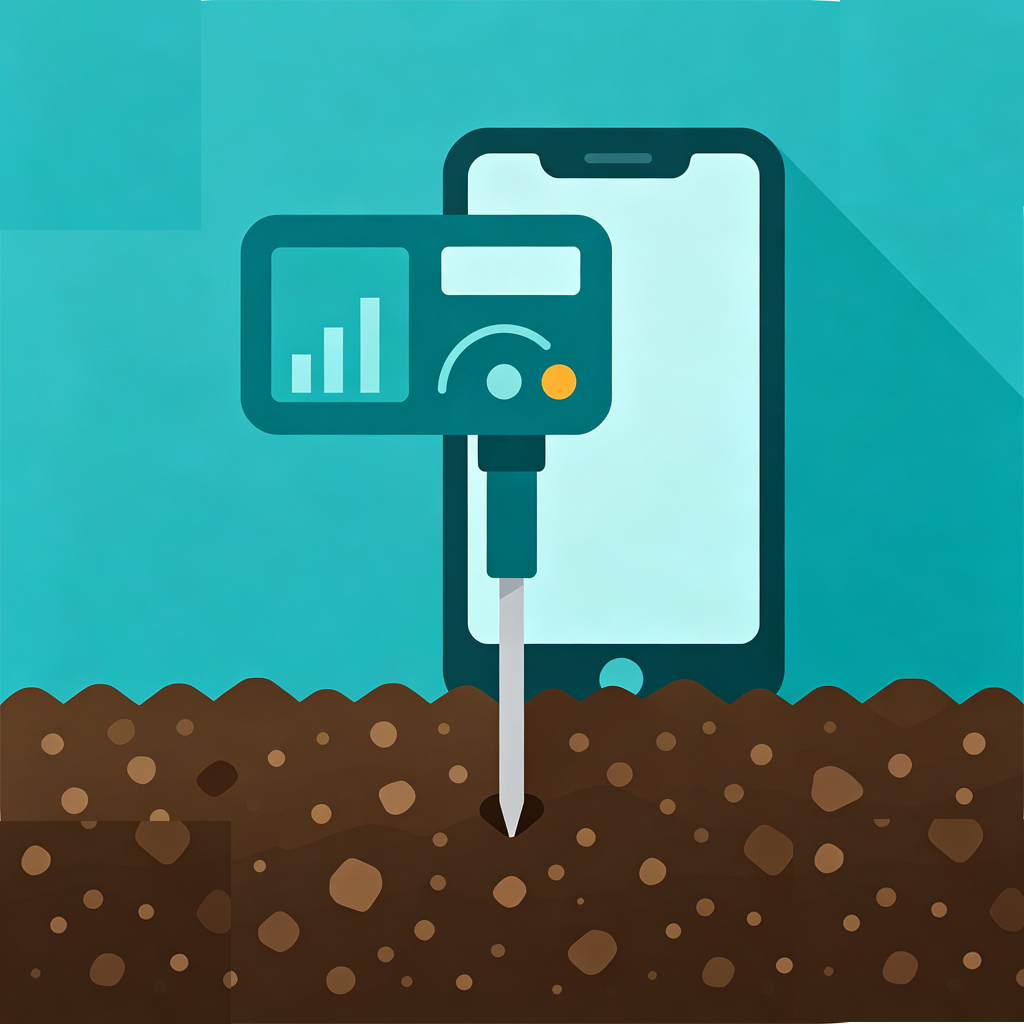
Soil Monitor connects to compatible Bluetooth soil monitoring devices and helps you read, save, and export soil measurement data.
What It Does
Scan nearby compatible soil testers and connect in the app.
Read humidity, temperature, conductivity, pH, nitrogen, phosphorus, potassium, and fertility.
Save measurement history locally and export it as a CSV file.
Quick Start
Support
Turn on the Bluetooth soil tester, open Soil Monitor, tap Select, choose the detected device, then tap Start Auto Read after the status becomes Ready.
Make sure Bluetooth is enabled, keep the tester close to the phone, and confirm the tester is powered on. Restart the tester and scan again if needed.
Saved records are stored locally on your phone. You can open History in the app and export the records as a CSV file.
No. Soil Monitor does not require an account, does not track users, and does not upload soil measurement data to a server.
Privacy Policy
Soil Monitor does not collect personal data, does not use advertising, does not use analytics, and does not track users across apps or websites. Soil measurement records saved by the user are stored locally on the user's device. If the user chooses to export or share a CSV file, the user controls where that file is sent through the system share sheet.
Soil Monitor uses Bluetooth only to scan for and connect to compatible soil monitoring devices. Bluetooth permission is required for the main device connection feature.